Setup
Infos zu mkdocs
Installation
Setup mit Docker von mkdocs-material
Setup von Andreas
(noch docker-compose.yml anpassen)
repo clonen [oder zip entpacken]
docker-compose.yml siehe unten--livereload einfügen
[ist im Repo angepasst worden]
Und schon kann’s losgehen…
git clone https://gitlab.thermaldrones.de/thermaldrones/dokumentation.git
cd dokumentation
docker compose up
Build
Backup machen - dann
docker build testen
Building your site
When you’re finished editing, you can build a static site from your Markdown files with:
If you’re running Material for MkDocs from within Docker, use:
script für build && rsync
#!/bin/sh
USER=username
HOST=hostname
DIR=/path/to/mkdocs   # the directory where your web site files should go

docker run --rm -it -v ${PWD}:/docs dokumentation-mkdocs build && rsync -avz --exclude='.DS_Store' site/ ${USER}@${HOST}:~/${DIR}

# rsync ohne --delete !
# rsync dry run -n !
dauert nur ca. 5-10 sec 
Git Workflow
Um auf dem aktuellen Stand zu sein IMMER mit ‘git pull’ starten!
Änderungen in Git dokumentieren:
git status - git add - git commit -m "Beschreibung" - git push
Änderungen
docker-compose.yml
[--livereload hinzugefügt]
livereload hat vorher nicht funktioniert
services:
  mkdocs:
    image: squidfunk/mkdocs-material
    container_name: mkdocs
    restart: unless-stopped
    ports:
      - "8000:8000"
    volumes:
      - .:/docs
    environment:
      - WATCHDOG_USE_POLLING=true

    # command: serve --dev-addr 0.0.0.0:8000
    command: serve `--livereload` --dev-addr 0.0.0.0:8000 --watch docs --watch mkdocs.yml
#     networks:
#       - proxy_net

# networks:
#   proxy_net:
#     external: true
#     name: wordpress_proxy
Bug ist bekannt - mkdocs does not watch for file changes when using click>8.2.1 #4032
Lösung:
mkdocs serve doesn’t reload upon change anymore #8478
mkdocs.yml
Konfiguration von mkdocs - Ausgangszustand
site_name: Dokumentation
site_description: Dokumentationen zu POIApp, POICloud und POIStudio
site_author: thermal DRONES

theme:
  name: material
  language: de
  features:
    - navigation.tabs
    - navigation.sections
    - navigation.top
    - search.highlight
    - search.share
    - search.suggest
  logo: assets/images/logo.png
  favicon: assets/images/favicon.png
  font:
    text: Catamaran
    code: Roboto Mono
  palette:
    # Heller Modus
    - media: "(prefers-color-scheme: light)"
      scheme: default
      primary: white
      accent: deep orange
      toggle:
        icon: material/brightness-7
        name: Wechsel zum Dark Mode
    # Dunkler Modus
    - media: "(prefers-color-scheme: dark)"
      scheme: slate
      primary: deep orange
      accent: deep orange
      toggle:
        icon: material/brightness-4
        name: Wechsel zum Light Mode

# Custom CSS
extra_css:
  - stylesheets/extra.css

# Navigation
nav:
  - POIApp: poiapp.md
  - POICloud: poicloud.md
  - POIConnect: poiconnect.md
  - POIStudio: poistudio.md

# Erweiterungen für Markdown
markdown_extensions:
  - admonition
  - pymdownx.highlight:
      anchor_linenums: true
  - pymdownx.inlinehilite
  - pymdownx.snippets
  - pymdownx.superfences
  - pymdownx.tabbed:
      alternate_style: true
  - pymdownx.emoji:
      emoji_index: !!python/name:material.extensions.emoji.twemoji
      emoji_generator: !!python/name:material.extensions.emoji.to_svg
  - smarty  # Konvertiert "Zitate", -- (Gedankenstriche) und ... (Auslassungspunkte)
  - pymdownx.smartsymbols  # Konvertiert (c), (tm), +/- etc. in echte Symbole
Automatic light / dark mode
theme:
  palette:

    # Palette toggle for automatic mode
    - media: "(prefers-color-scheme)"
      toggle:
        icon: material/brightness-auto
        name: Switch to light mode

    # Palette toggle for light mode
    - media: "(prefers-color-scheme: light)"
      scheme: default
      toggle:
        icon: material/brightness-7
        name: Switch to dark mode

    # Palette toggle for dark mode
    - media: "(prefers-color-scheme: dark)"
      scheme: slate
      toggle:
        icon: material/brightness-4
        name: Switch to system preference
Material for MkDocs will now change the color palette each time the
operating system switches between light and dark appearance, even when the user doesn’t reload the site.
Info zum automatischen light/dark mode
Navigation
navigation.sections (war bereits aktiviert)
When
sectionsare enabled, top-level sections are rendered as groups in the sidebar for viewports above 1220px, but remain as-is on mobile. Add the following lines to mkdocs.yml:
im Moment deaktiviert:
navigation.footer hinzugefügt
navigation.indexes hinzugefügt
When section index pages are enabled, documents can be directly attached to sections, which is particularly useful for providing overview pages. Add the following lines to mkdocs.yml:
In order to link a page to a section, create a new document with the name index.md in the respective folder, and add it to the beginning of your navigation section:
nav:
  - Section:
    - section/index.md
    - Page 1: section/page-1.md
    ...
    - Page n: section/page-n.md
markdown_extensions
- attr_list ermöglicht HTML in Markdown
- md_in_html ermöglicht z.B. Markdown im <div>
Info zu permalinks - auch mit Angabe von Link anstatt true möglich
- pymdownx.details ermöglicht “ausklappbare” Admonitions (Hinweisboxen)
markdown_extensions:
  - pymdownx.tabbed:
      alternate_style: true
      slugify: !!python/object/apply:pymdownx.slugs.slugify
        kwds:
          case: lower
slugify für links zu content tabs
Infos zu mkdocs-material content tabs
- content.code.copy erzeugt copyButton bei Code Blocks
Info zu mkdocs-material code blocks
markdown_extensions:
  - pymdownx.critic
  - pymdownx.caret
  - pymdownx.keys
  - pymdownx.mark
  - pymdownx.tilde
extensions für diverse Markierungsmöglichkeiten
Info zu mkdocs-material formatting
extension für captions (im Markdown Block)
Info zu mkdocs-material captions
extension für Tasklists
Info zu mkdocs-material tasklists
extension für Footnotes
Tooltips für Footnotes
Info zu mkdocs-material footnotes
extension für Definition Lists
Info zu mkdocs-material definition lists
extension für abbreviations
Info zu mkdocs-material abbreviations
extension für block.html
Native two column layout #6845
Info zu mkdocs-material block.html
extension für magiclink
social links im footer
extra:
  social:
    - icon: fontawesome/solid/paper-plane
      link: mailto:<info@thermaldrones.de>
    - icon: material/youtube
      link: https://www.youtube.com/channel/UCpHeWXgoEYdRXdZXhH7FVmA
    - icon: fontawesome/brands/instagram
      link: https://instagram.com/thermaldrones
    - icon: fontawesome/brands/facebook
      link: https://www.facebook.com/profile.php?id=100067918641864
    - icon: fontawesome/brands/linkedin
      link: https://www.linkedin.com/company/thermaldrones/?originalSubdomain=de
Info zu mkdocs-material social links im footer
Dark Mode
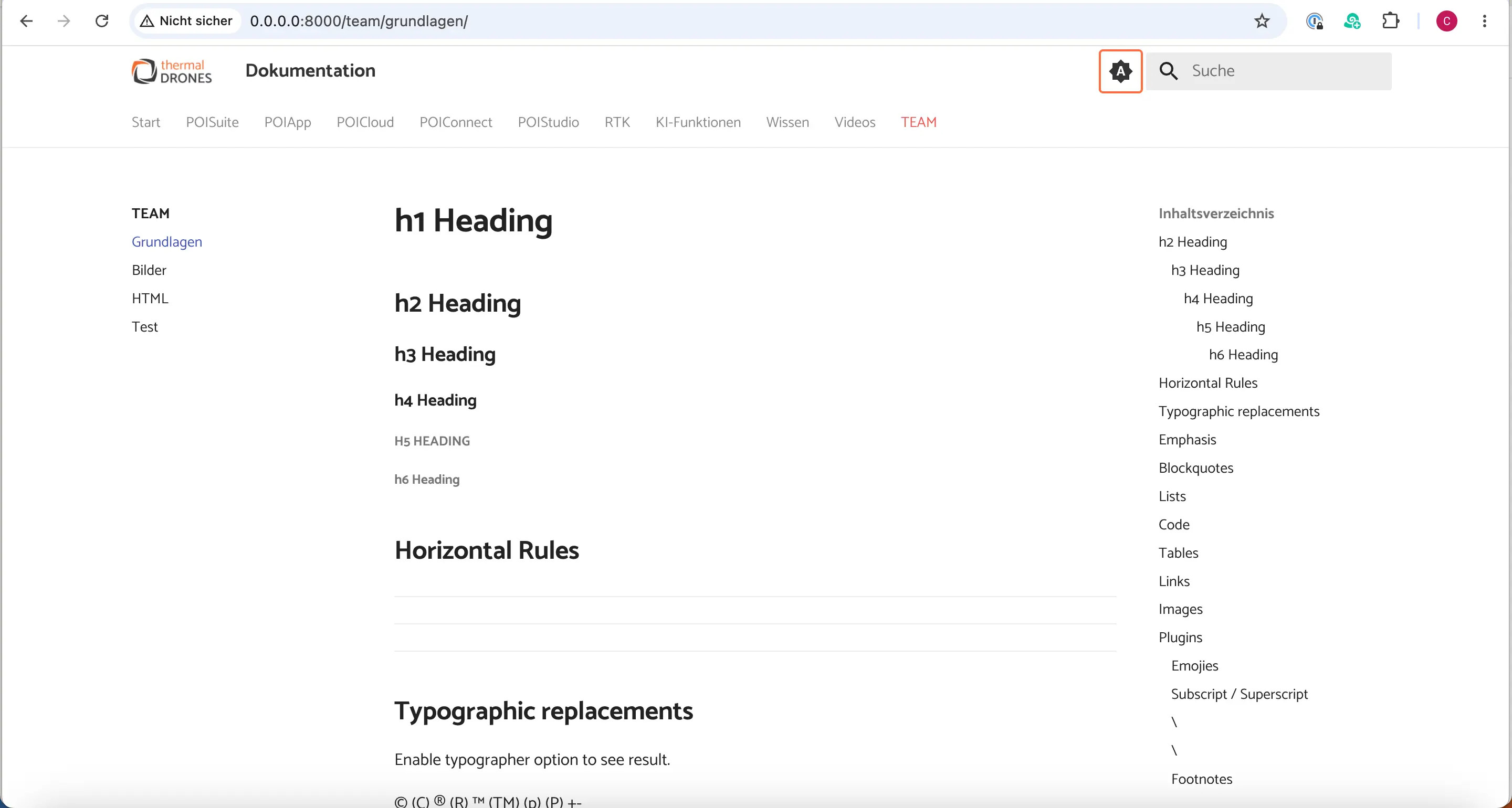
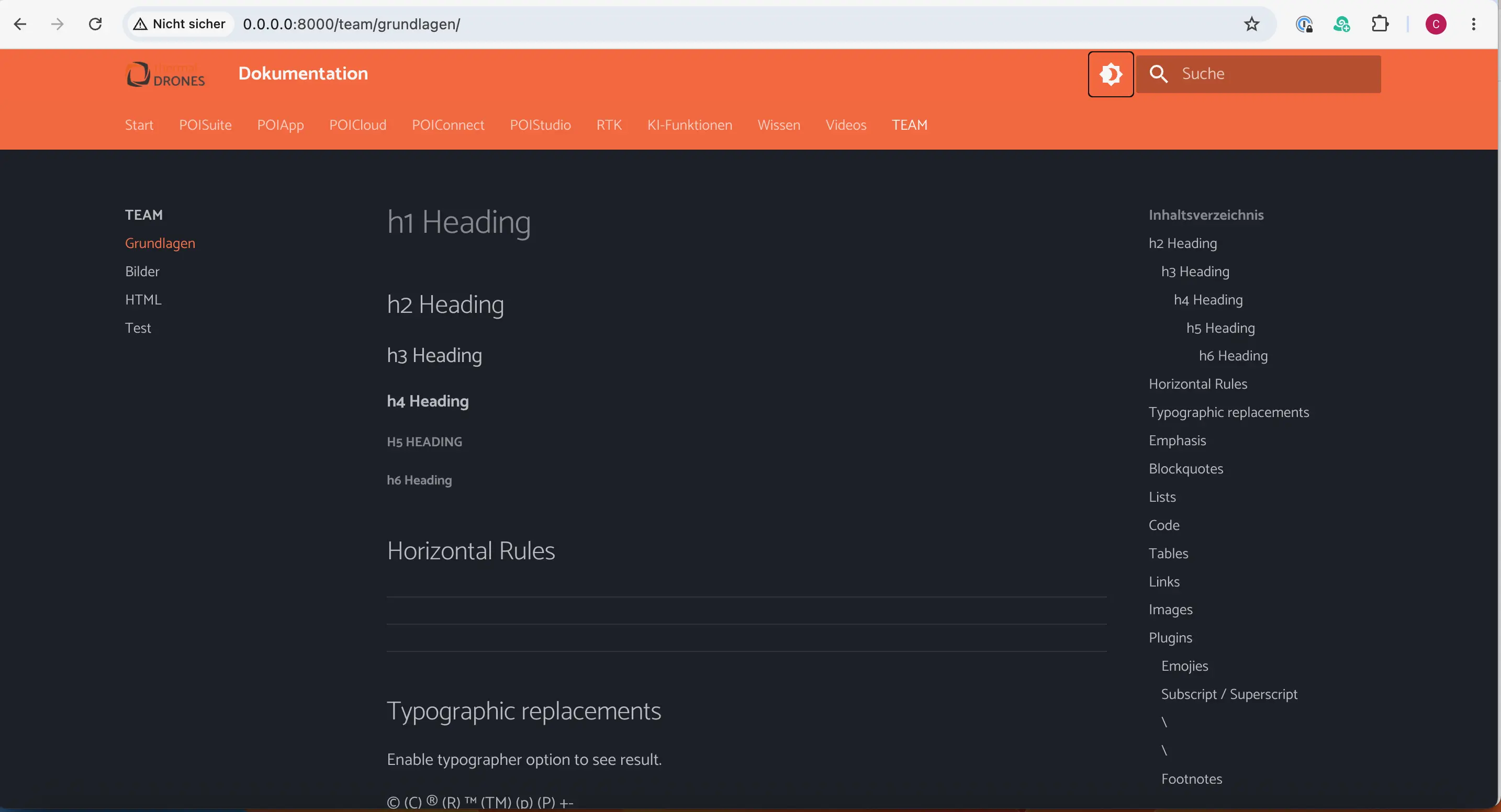
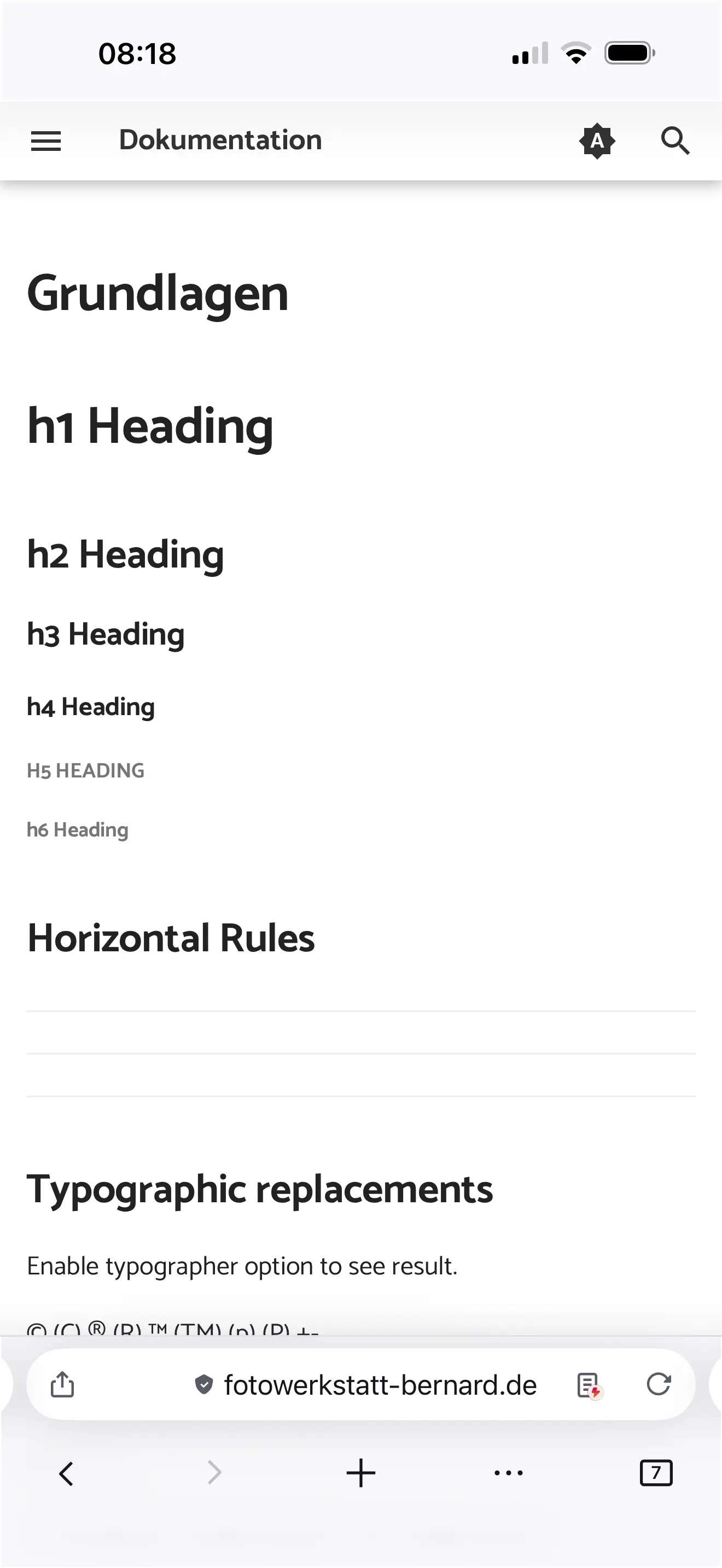
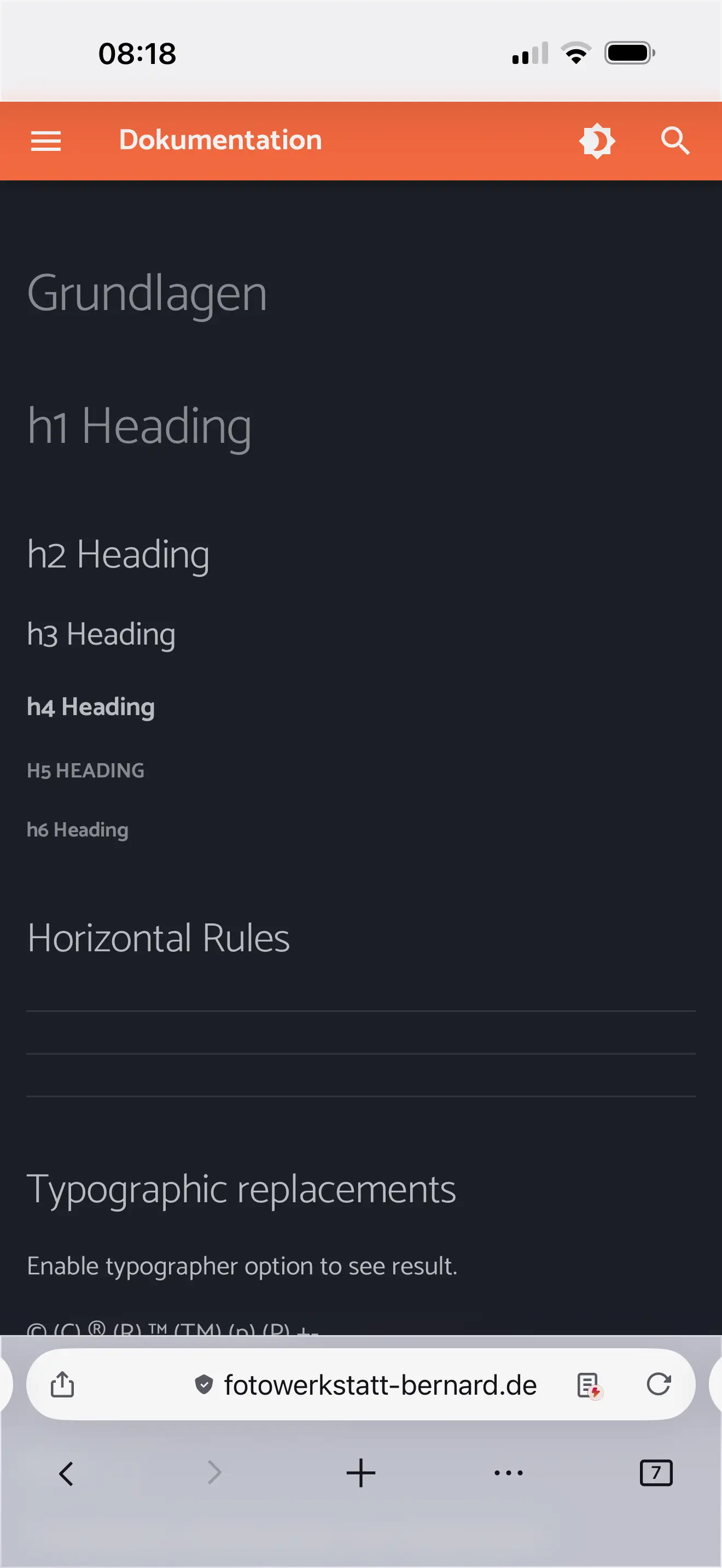
dark mode funktionierte im Ausgangszustand nicht - Header H1-H4 nicht sichtbar
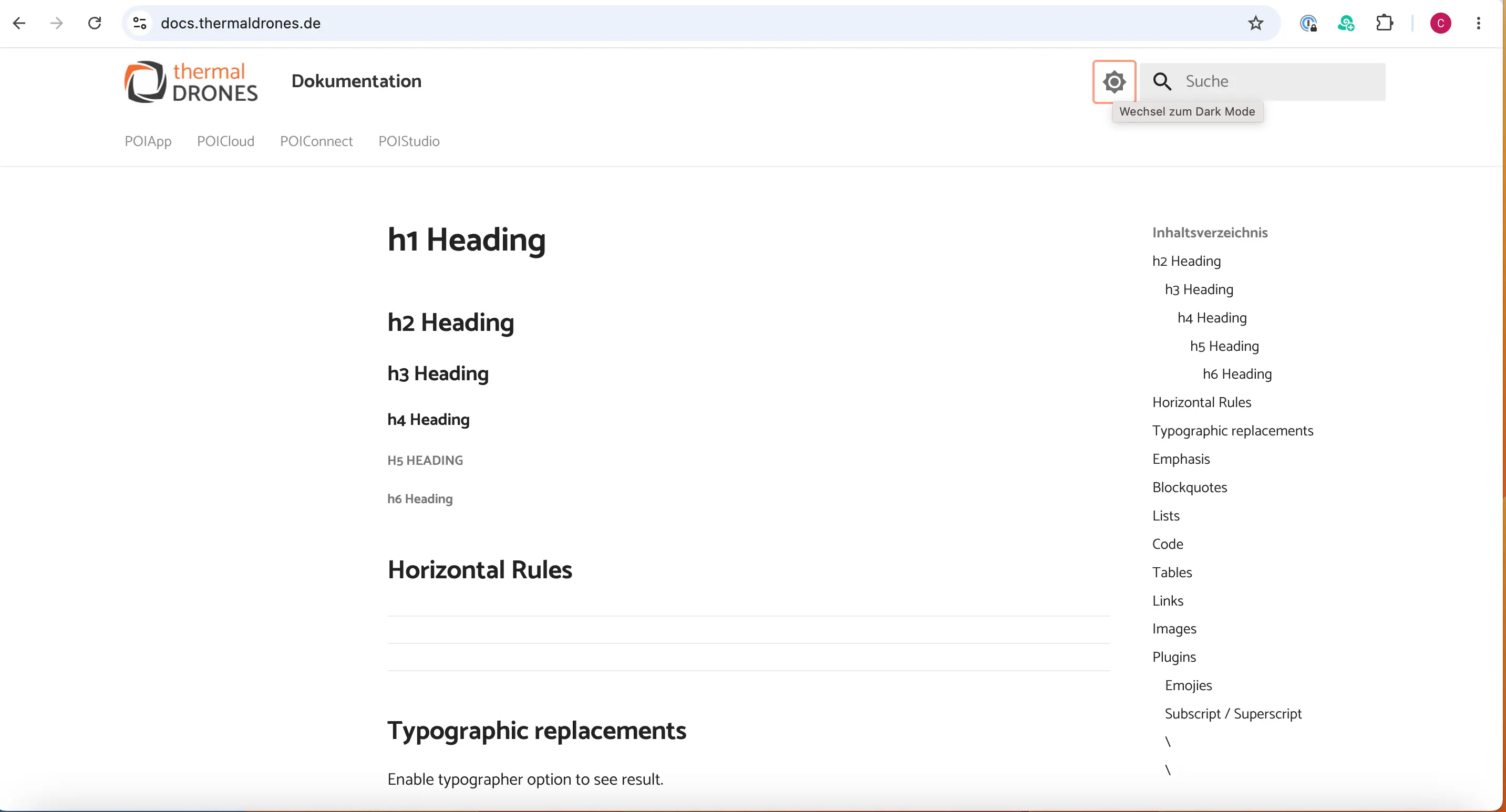
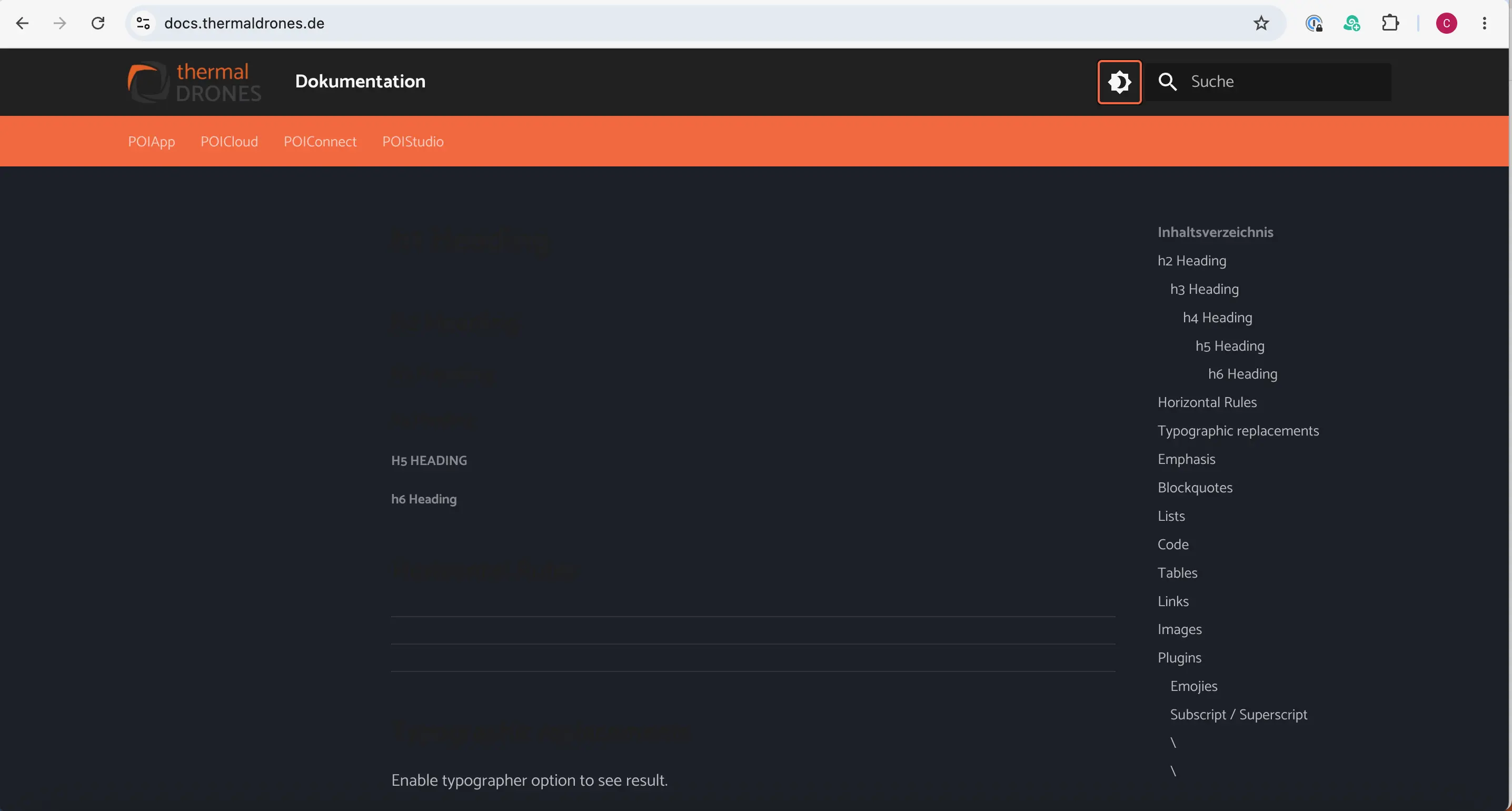
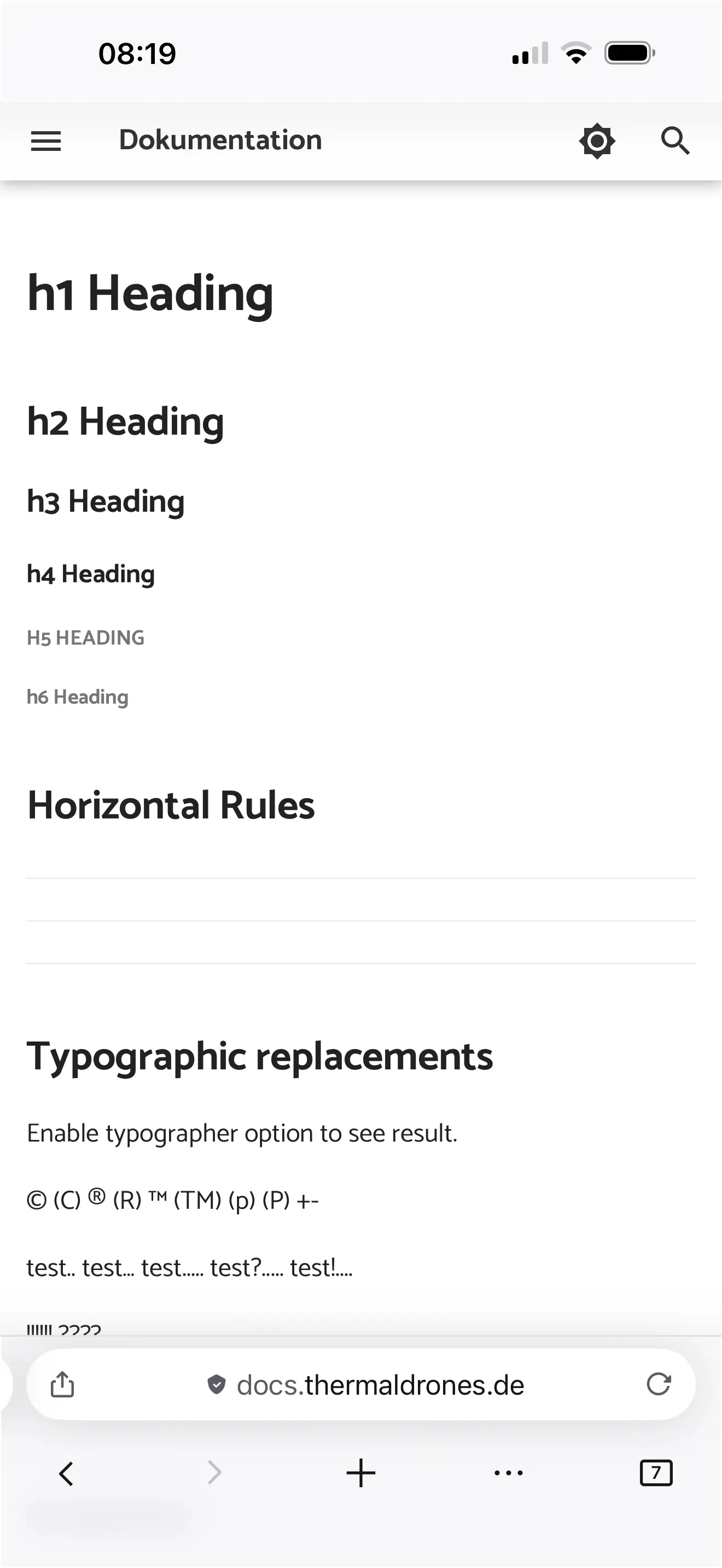
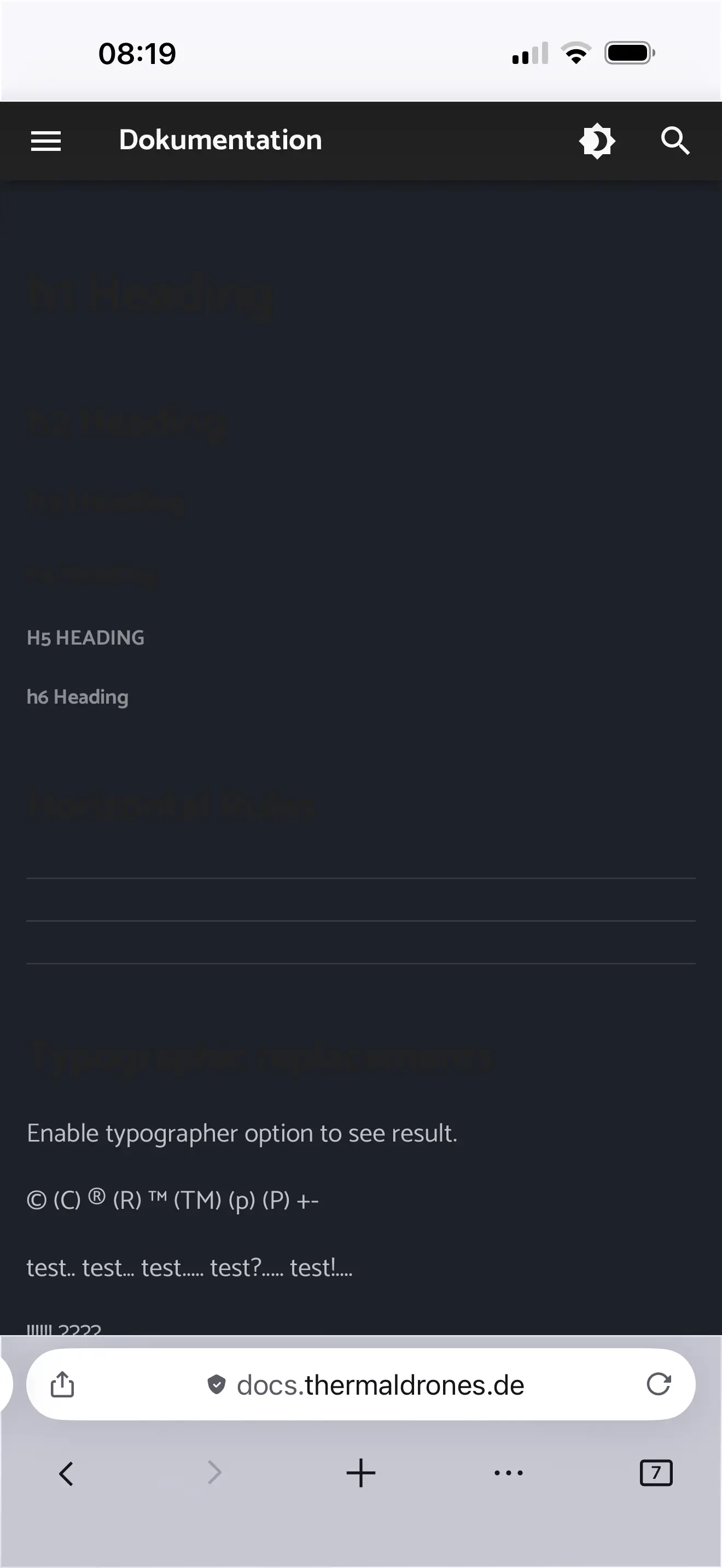
jetzt die angepasste Version:
.md-typeset h1-h4 wurde zu [data-md-color-scheme="default"] .md-typeset h1-h4
.md-typeset h1-h4 auf font-weight: 700;und color: #222222;
bleibt wie geplant (Schrift bei Header H1-H4 kräftiger)
header color komplett orange und logo wieder in original Grösse
extra.css
Zeile 41-59 auskommentiert - funktioniert nicht im dark mode
extra.css [NEU]
jetzt die angepasste Version:
.md-typeset h1-h4 wurde zu [data-md-color-scheme="default"] .md-typeset h1-h4
.md-typeset h1-h4 auf font-weight: 700;und color: #222222;
bleibt wie geplant (Schrift bei Header H1-H4 kräftiger)
header color komplett orange und logo wieder in original Grösse
Video Einbindung
responsiv mit CSS-Wrapper-Element
.video-container {
    position: relative;
    padding-bottom: 56.25%; /* 16:9 Seitenverhältnis */
    height: 0;
    overflow: hidden;
    max-width: 100%;
}

.video-container iframe {
    position: absolute;
    top: 0;
    left: 0;
    width: 100%;
    height: 100%;
}
Video im Content einbinden:
Beispiel für Youtube Video
teilen - einbetten - Optionen zum Einbetten:
Player-Steuerelemente anzeigen.
Erweiterten Datenschutzmodus aktivieren.
copy & paste
iframe Block mit <div class="video-container"> einschliessen
<div class="video-container">
<iframe width="560" height="315" src="https://www.youtube-nocookie.com/embed/videoseries?si=HdJWp2y2GtN9dDKr&list=PLnsAdFrlG7q9YKwoZasuHe9-xKG8Lw7FV" title="YouTube video player" frameborder="0" allow="accelerometer; autoplay; clipboard-write; encrypted-media; gyroscope; picture-in-picture; web-share" referrerpolicy="strict-origin-when-cross-origin" allowfullscreen></iframe>
</div>